

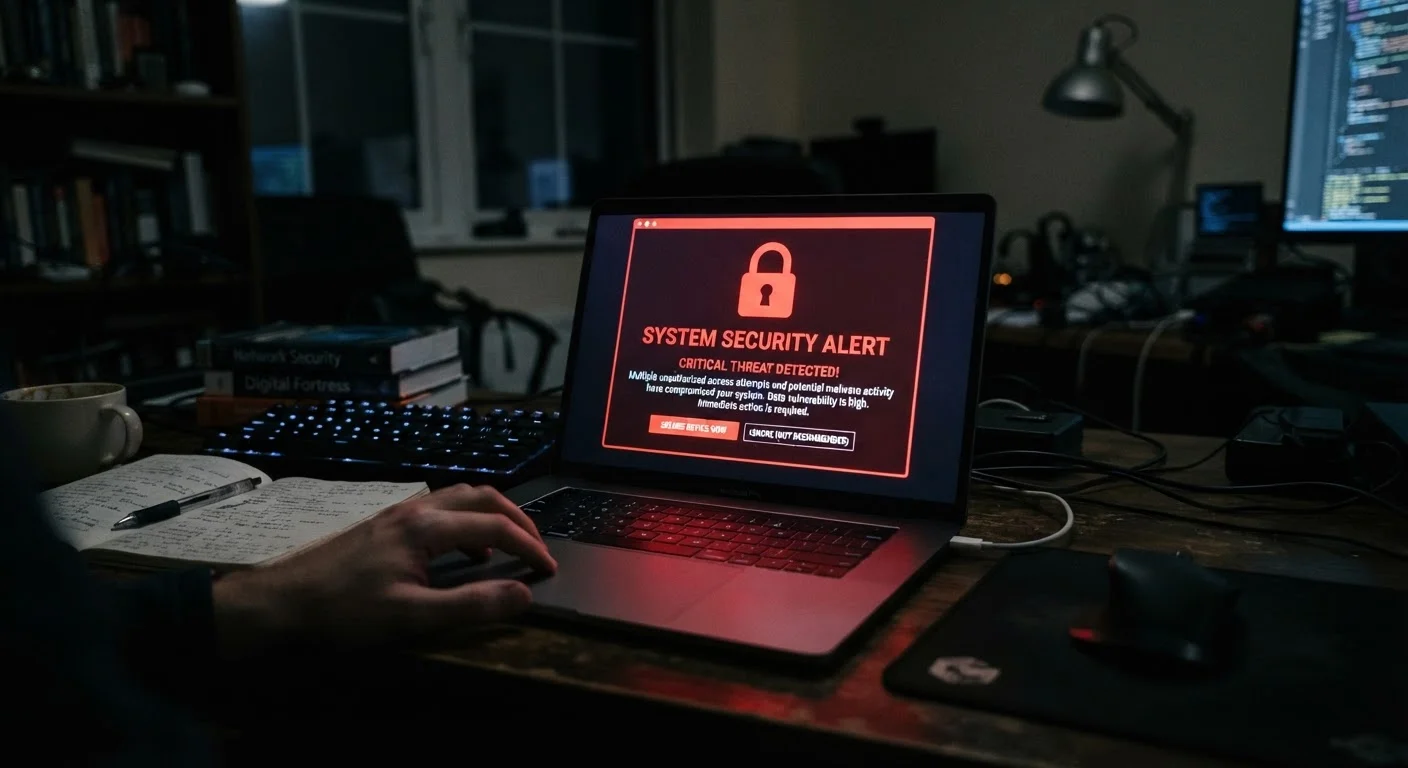
Understanding What a Breach Actually Exposes
A data breach occurs when unauthorized parties access a company's stored user data. Depending on what information the company held and how it was protected, a breach can expose anything from email addresses and hashed passwords to plaintext credentials, payment card numbers, Social Security numbers, or physical addresses.
The breach notification you receive — or the public disclosure you find independently — should describe what categories of data were involved. That detail determines how aggressively you need to respond. An exposure limited to email addresses warrants less urgency than one involving passwords, financial data, or government identifiers.
It is also worth understanding that breach data does not stay private. Stolen records are routinely sold, traded, or published on criminal forums, meaning the risk does not expire once the initial incident is resolved. Protective actions you take now reduce your exposure for years ahead.
Email Accounts Deserve Priority Treatment
Your primary email account is the master key to almost every other account you own — it receives password-reset links and account verification messages. If your email provider is the breached service, or if your email credentials were among the exposed data, securing that account takes absolute precedence over everything else. Enable 2FA on your email account before addressing any other service.
For a broader look at how account safety fits into your overall digital life, see our comprehensive online safety resource, which covers privacy, security, and scam awareness together.
What You Need Before You Start
Working through a recovery plan efficiently requires a few things in place before you begin.
What you will need
Having a password manager already installed speeds up this process considerably — if you do not have one, this is a good moment to set one up. Your smartphone security posture also matters here, since many 2FA codes and account-recovery options are tied to your device. Our smartphone security guide covers steps to ensure your phone itself is not a vulnerability during recovery.
The Recovery Steps to Follow
Work through these steps in order. Skipping ahead — for example, enabling 2FA before changing the compromised password — leaves gaps in your protection.
Verify the breach notification is legitimate
Before clicking anything in a breach email, confirm it is genuine. Go directly to the company's official website by typing the URL yourself — do not click links in the notification. Look for a public announcement on the company's newsroom, security page, or a trusted news source. Services like Have I Been Pwned (haveibeenpwned.com) let you check whether your email address appears in known breach databases.
Change your password on the breached account
Log into the affected account — again, by navigating directly to the site — and change your password immediately. Create a strong, unique password of at least 16 characters mixing letters, numbers, and symbols. Do not reuse any password from another account. A password manager makes generating and storing unique credentials far more manageable.
Identify and update any accounts sharing that password
Password reuse is the primary way a single breach cascades into multiple compromised accounts. Search your password manager — or your memory — for any other service where you used the same email and password combination. Change each of those passwords to a new, unique one before moving on.
Enable two-factor authentication (2FA)
Two-factor authentication adds a second verification step — such as a time-sensitive code from an authenticator app — so that a stolen password alone is not enough for an attacker to access your account. Enable 2FA on the breached account and, while you have your accounts open, on any other service that supports it, especially email and financial accounts.
Review active sessions and connected apps
Most major platforms provide a list of active login sessions and third-party apps with access to your account. Navigate to the account's security settings and revoke any sessions or connected applications you do not recognize. Sign out of all other devices if the platform offers that option, then sign back in with your new credentials.
Monitor financial accounts and consider a credit freeze
If the breach involved financial information, Social Security numbers, or government ID data, check your bank and credit card statements for unauthorized charges. You have the right to place a free credit freeze with each of the three major credit bureaus — Equifax, Experian, and TransUnion — which restricts new credit from being opened in your name. A credit freeze does not affect your existing credit or credit score.
Reviewing your credit report is also a sound step here. See our guide to reading your credit report for a walkthrough of what to look for.
Stay alert for follow-on phishing and scam attempts
Breached data is frequently sold to scammers who craft convincing phishing emails, texts, or calls referencing the breach to appear credible. Be skeptical of any unsolicited communication asking you to click a link, confirm credentials, or provide personal information — even if it mentions the breach by name. Report suspicious messages to the Federal Trade Commission (FTC) at reportfraud.ftc.gov.
Build Stronger Habits Going Forward
A breach is a useful prompt to audit your broader security posture. Consider setting a recurring monthly reminder to review your passwords, account access, and app permissions. Our monthly digital security audit checklist outlines a routine that takes only a few minutes and catches problems early.
Do Not Delay Action on Breached Credentials
Attackers often test stolen credentials within hours of a breach becoming available on underground markets. Even if you believe your account contains little sensitive information, a compromised email or social account can be used to attack your contacts or reset passwords on other services. Treat every breach notification as time-sensitive.
After Recovery: Reducing Future Risk
Once the immediate response is complete, a few structural changes significantly reduce the impact of any future breach. Using a unique password for every account means a breach at one service never grants access to another. Keeping your email address and phone number up to date on important accounts ensures account-recovery options work when you need them.
If smart home devices are on your network, ensure they are running current firmware and are isolated from your primary devices where possible — breached network credentials can otherwise expose more than just online accounts. Our guide to securing smart home devices addresses this specifically.
A data breach is disruptive, but following a structured response plan limits the damage to a recoverable problem rather than a prolonged compromise.
The content on this site is for informational purposes only and is not a substitute for professional advice. Always consult a qualified professional for guidance specific to your situation.