

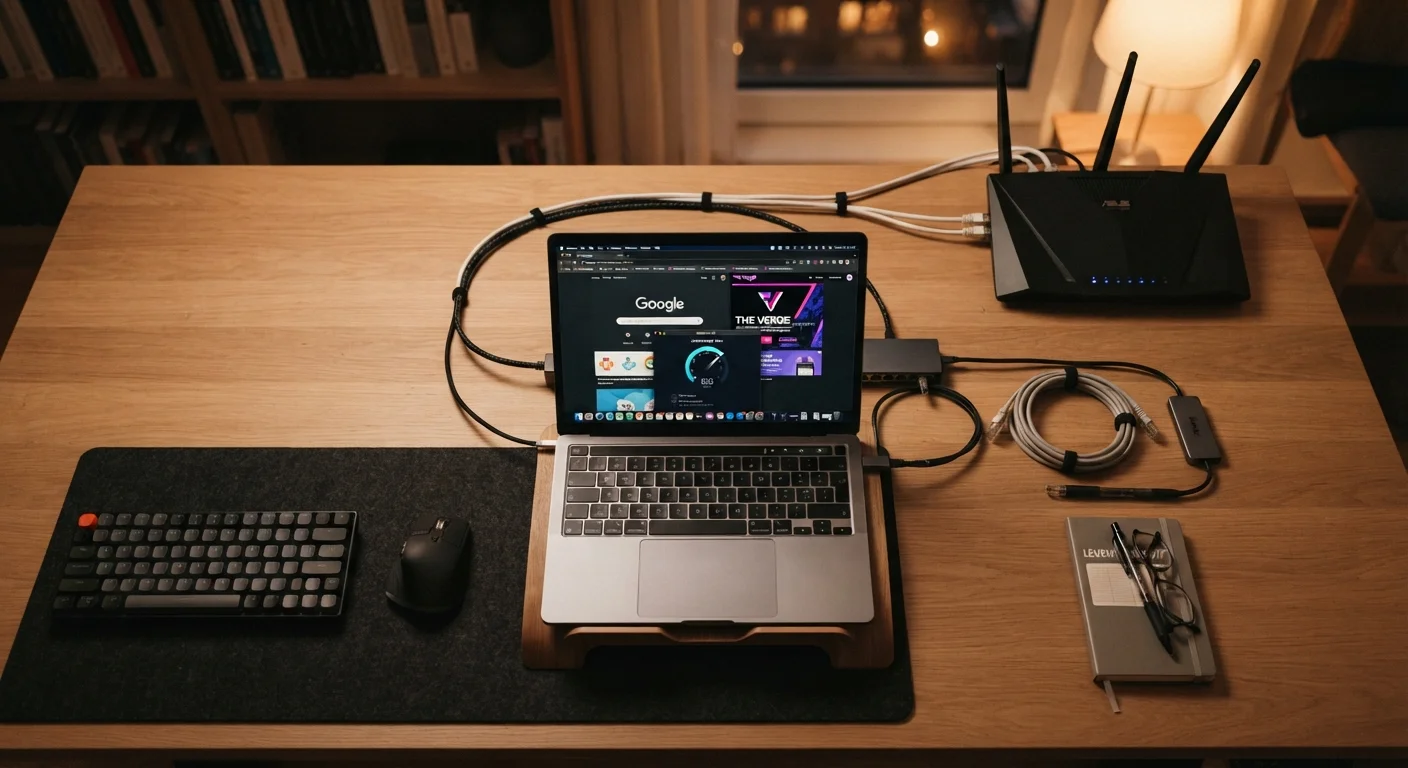
Why Networking Terms Matter for Homeowners
When your Wi-Fi slows down, a new smart device refuses to connect, or your ISP's technician starts talking about DHCP leases and NAT tables, it's easy to feel lost. You don't need an IT certification to manage your home network — but knowing a handful of foundational terms gives you the vocabulary to troubleshoot problems, read setup guides confidently, and make smarter decisions about your equipment and security settings.
This glossary covers the terms you'll actually encounter: what they mean in plain language, why they matter at home, and how they connect to each other. For a deeper dive into protecting the devices that use your network, see keeping smart home devices secure after setup.
| Typical home broadband speed | 100–300 Mbps (FCC Broadband Speed Guide) |
| Current Wi-Fi security standard | WPA3 (Wi-Fi Alliance, 2022) |
| IPv4 address format | Four numbers, 0–255 (e.g. 192.168.1.1) |
| Recommended guest network use | Smart home devices and visitors |
| Default router admin address | Often 192.168.0.1 or 192.168.1.1 (Varies by manufacturer) |
| Latency target for video calls | Under 150 ms (ITU-T G.114 recommendation) |
Core Networking Terms Defined
The terms below form the backbone of how home networks are described, configured, and secured. Use this as a lookup reference whenever you encounter unfamiliar language in a router manual, ISP support article, or smart home setup guide.
Your Router Is Not Your Modem
Many homeowners use 'router' and 'modem' interchangeably, but they serve distinct functions. The modem brings the internet signal into your home; the router distributes it to your devices. Many ISPs supply a single combo unit that does both — check the label or your ISP's documentation to confirm what you have.
For online security terms that go beyond the network itself — including VPNs, malware types, and authentication methods — the plain-English glossary of online security terms is a useful companion reference.
Putting the Terms Into Practice
Knowing what these terms mean becomes more useful when you can apply them to real situations at home.
17+
Average connected devices per US household
According to Deloitte's Digital Media Trends survey, the average American home connects more than 17 devices to its network.
3x
Speed advantage of wired vs. typical Wi-Fi
A wired Ethernet connection generally delivers significantly more stable throughput compared to mid-range Wi-Fi under load, according to consumer networking benchmarks.
- Slow streaming or buffering: Check your bandwidth against how many devices are active. A single 4K stream can use 25 Mbps or more; multiple simultaneous users add up quickly.
- Setting up a new smart device: Connect it to a guest network rather than your primary network. This isolates it from more sensitive devices like laptops and phones — a practical security habit covered in detail in the guide to smart home security cameras, doorbells, and sensors.
- Changing your Wi-Fi password: Log into your router's admin page (often at the IP address printed on the router's label), navigate to wireless settings, and update both the SSID and password. Choose WPA3 encryption if your router supports it.
- Diagnosing a connection drop: Ping a known server to measure latency. If latency is high but speed seems fine, the issue may be with a specific server rather than your home network.
For broader home upkeep context, the home maintenance hub addresses related topics about keeping household systems running smoothly.
The content on this site is for informational purposes only and is not a substitute for professional advice. Always consult a qualified professional for guidance specific to your situation.