

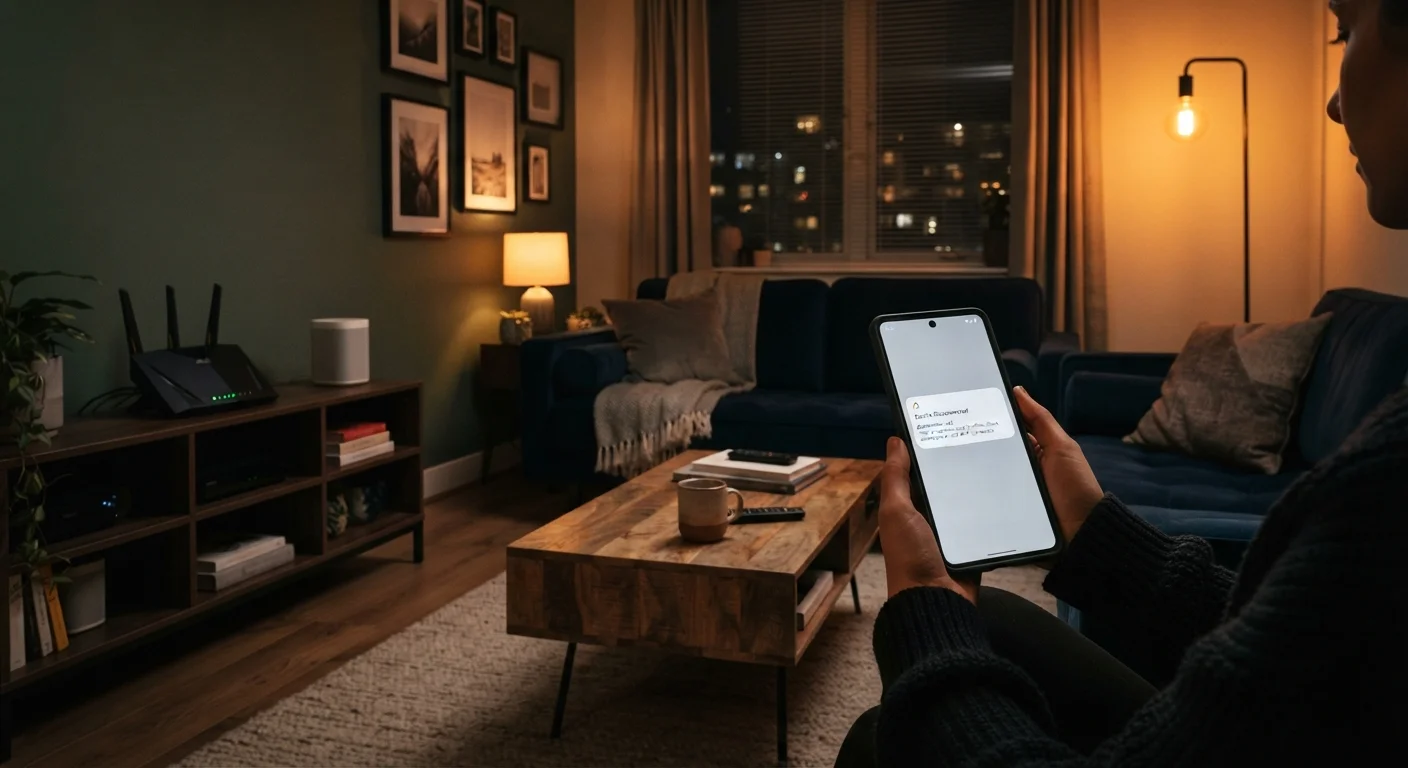
Why Smart Lights Drop — The Short Version
Smart lighting failures almost always fall into one of three categories: power interruptions that cut the bulb's network connection, Wi-Fi signal or configuration problems, and firmware or protocol mismatches between the bulb and its controlling hub or app. Understanding which category applies to your situation is the fastest path to a fix.
If you are new to smart home setups and want broader context on how these devices communicate, our beginner's guide to home automation covers the fundamentals before you invest in more hardware.
2.4 GHz
Band most smart bulbs rely on
The majority of smart lighting products connect on the 2.4 GHz Wi-Fi band, which offers wider range but is more prone to interference from neighboring networks and household appliances.
~30 ft
Typical Zigbee device-to-device range indoors
Zigbee and Z-Wave mesh networks extend coverage through device-to-device hops, but each hop requires bulbs to be within roughly 30 feet of another mesh node in typical residential conditions.
Common Mistakes That Cause Disconnections
Most persistent smart lighting problems are self-inflicted — not through carelessness, but through habits and assumptions carried over from traditional lighting. The mistakes below cover the scenarios our team encounters most often, along with practical corrections for each.
Using a physical wall switch to turn smart bulbs on and off as you would a standard bulb.
Why it happens: The habit of flipping a switch is deeply ingrained, and many households have smart bulbs installed without any guidance on how this affects connectivity.
Placing the Wi-Fi router or smart hub too far from the bulbs, causing weak or unstable signal.
Why it happens: Routers are often placed near cable entry points or entertainment centers, which may be on the opposite side of the home from where most lighting is installed.
Connecting smart bulbs to a 5 GHz Wi-Fi network when they require 2.4 GHz.
Why it happens: Modern routers often broadcast both bands under a single network name. When a phone connects during setup, it may be on 5 GHz, and the bulb silently fails to pair or drops after initial setup.
Skipping firmware updates for bulbs, hubs, and routers for extended periods.
Why it happens: Updates happen in the background and many users are unaware updates are available, or they defer them indefinitely to avoid potential disruption.
Overloading a single Wi-Fi channel or network with too many simultaneously connected smart devices.
Why it happens: Smart home setups grow organically — one bulb becomes ten, joined by plugs, sensors, and cameras — without any network planning.
When Flickering Signals an Electrical Problem
Not every lighting issue stems from a smart home setup. If lights flicker on circuits that include non-smart fixtures, or if you notice burning smells, tripped breakers, or warm switch plates, the cause may be your home's wiring rather than your devices. Review signs your electrical system needs professional attention and contact a licensed electrician before troubleshooting further.
Keeping Your Setup Secure and Stable Long-Term
Connectivity and security are closely linked in a smart home: an outdated device is both more likely to drop from the network and more likely to carry unpatched vulnerabilities. Once you have resolved your disconnection issues, it is worth reviewing smart home security habits after setup, including network segmentation and default password changes, to keep your system running reliably.
Never Use a Standard Dimmer With Most Smart Bulbs
Most smart bulbs are not compatible with conventional dimmer switches. Wiring a smart bulb into a standard dimmer circuit can cause flickering, erratic behavior, reduced bulb lifespan, and in some cases hardware damage. Check your bulb's documentation for compatibility before modifying any switch wiring, and consult an electrician if you are uncertain.
Finally, if your smart lighting setup includes a kitchen display for controlling lights or running schedules, practical tips on getting the most from that device are covered in our smart display kitchen guide. A well-integrated setup — with stable connectivity, updated firmware, and appropriate hardware — is the foundation of automation that actually works when you need it.
The content on this site is for informational purposes only and is not a substitute for professional advice. Always consult a qualified professional for guidance specific to your situation.