

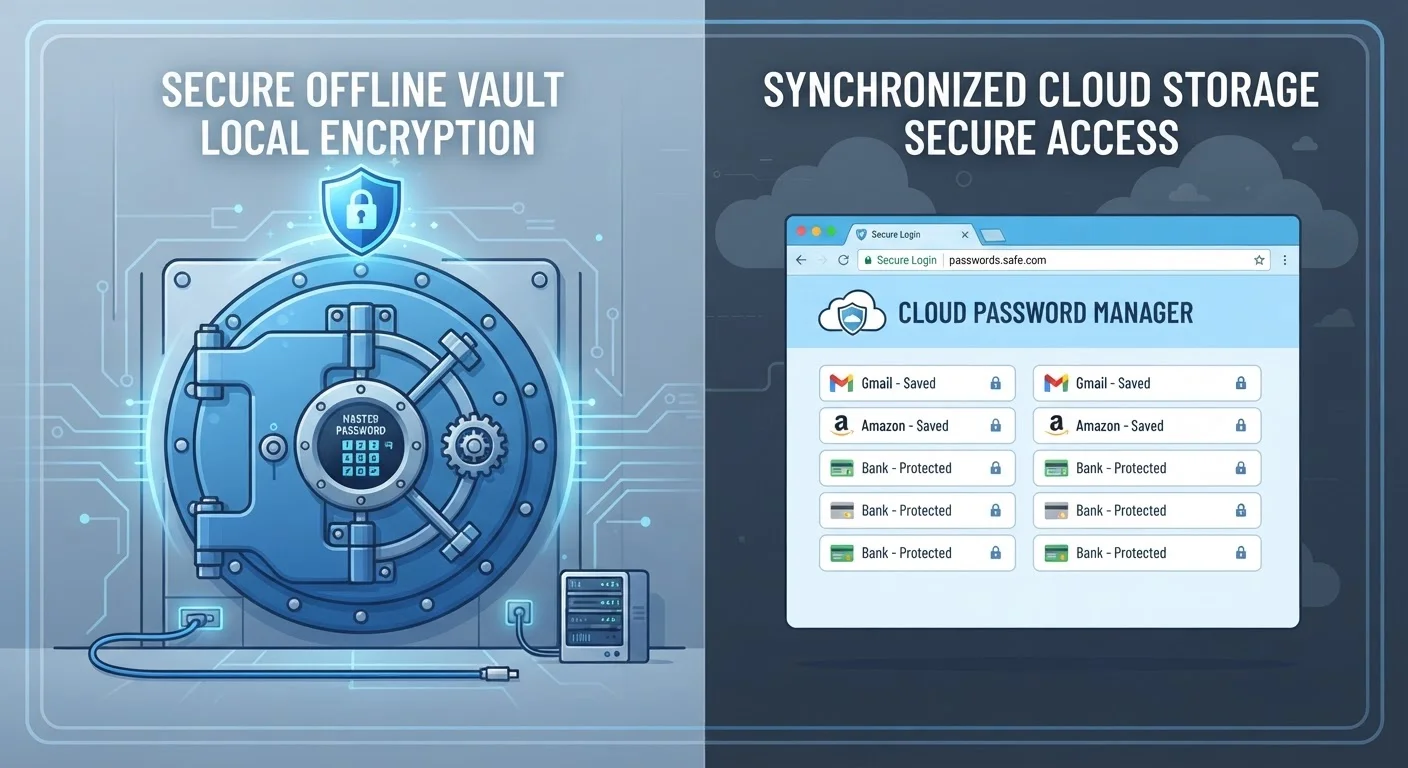
Option A
Dedicated Password Manager
The purpose-built, security-first solution.
Best for: Users who want strong encryption, cross-device flexibility, and advanced security features beyond basic credential storage.
Option B
Browser-Saved Passwords
The convenient, built-in starter option.
Best for: Users who stay within one browser ecosystem and need a low-friction way to remember basic login credentials.
How Each System Stores Your Credentials
When you save a password in a browser like Chrome, Firefox, or Safari, that credential is stored locally on your device and optionally synced to your browser account in the cloud. The encryption applied depends heavily on how well your device and browser account are protected — if someone gains access to your browser profile, they can often view saved passwords with just a few clicks.
Dedicated password managers — standalone applications designed specifically for credential storage — take a different architectural approach. They use end-to-end encryption (sometimes called zero-knowledge encryption), meaning your vault is encrypted and decrypted only on your device using a master password that the service provider never sees or stores. Even if the company's servers were breached, your individual vault data would remain encrypted and unreadable.
This architectural difference is the single most important distinction between the two approaches. It's less about convenience and more about what happens when something goes wrong.
| Criterion | Dedicated Password Manager | Browser-Saved Passwords |
|---|---|---|
| Encryption model | Zero-knowledge, end-to-end | Tied to browser/OS account security |
| Cross-browser support | All major browsers | Own browser only |
| Cross-device sync | All platforms | Same-ecosystem devices only |
| Password generation | Built-in, automatic | Basic or absent |
| Breach monitoring | Usually included | Limited or unavailable |
| Ease of setup | Requires initial configuration | Works instantly, no setup |
| Secure sharing | Supported in most apps | Not available |
| Cost | Free tiers exist; paid plans available | Free, included with browser |
Security Strengths and Weaknesses
Browser-saved passwords inherit the security of your broader browser account. If your Google, Apple, or Microsoft account is compromised — or if someone physically accesses your unlocked device — your saved credentials become accessible. Browser storage also typically lacks features like breach monitoring, password health audits, or alerts when a site you use has been involved in a data breach.
Dedicated password managers are purpose-built to solve exactly these problems. They commonly include:
- Password generation: Creating long, random, unique passwords for every account automatically.
- Breach alerts: Notifying you when credentials associated with your email appear in known data breaches.
- Password health reports: Flagging reused, weak, or old passwords across your vault.
- Secure notes and 2FA integration: Some managers can store TOTP codes alongside credentials, though security researchers recommend keeping your authenticator app separate for defense-in-depth.
For a deeper look at layering authentication methods on top of strong passwords, see our guide on two-factor authentication methods. And for context on what makes passwords effective in the first place, why strong passwords keep failing is worth reading alongside this comparison.
Both Are Better Than No Storage
It's worth stating clearly: using either browser-saved passwords or a dedicated password manager is meaningfully safer than reusing a single password across multiple sites or storing credentials in a notes app or spreadsheet. If browser storage is what you're currently using, you're not starting from zero — but understanding the differences helps you decide whether an upgrade is worth the modest effort.
Cross-Device Access and Everyday Usability
Browser-saved passwords work seamlessly — within their own ecosystem. Chrome passwords sync across Chrome on Android, Windows, and Mac. Safari passwords work beautifully across Apple devices. The friction is minimal if you never leave those ecosystems.
The limitation appears the moment you switch browsers, use a work device running a different OS, or need a credential on a device where you can't sign in to your browser account. Browser storage is, by design, ecosystem-specific.
Password managers are designed to be cross-platform by default. They typically offer browser extensions for every major browser and native apps for iOS, Android, Windows, macOS, and Linux. Your entire vault travels with you regardless of which device or browser you're using at a given moment.
Usability for both options has improved significantly. Auto-fill works reliably in modern password managers, often matching or exceeding the smoothness of browser-native autofill. The setup investment for a password manager — importing existing passwords, installing extensions — is a one-time cost, not an ongoing one.
Maintaining good habits around any credential storage system takes regular attention. Our monthly digital security audit checklist can help you build a consistent routine, including reviewing stored passwords and revoking access you no longer need. These same habits apply to other connected technology in your home — see keeping smart home devices secure after setup for a parallel approach to device-level security.
81%
Of breaches involve stolen or weak passwords
Verizon's Data Breach Investigations Report has consistently found that the majority of hacking-related breaches exploit stolen or weak credentials.
~100
Average number of online accounts per person
NordPass research has estimated that the average internet user manages roughly 100 password-protected accounts, making manual tracking effectively impossible.
The content on this site is for informational purposes only and is not a substitute for professional advice. Always consult a qualified professional for guidance specific to your situation.