

Summary
18 items · 20–45 minutes
Why Your Phone's Defaults Favor Data Collection
Smartphone manufacturers and app developers set default privacy configurations that tend to be permissive — not necessarily out of malice, but because broader data access supports services like personalized ads, crash reporting, and feature improvement programs. The result is that most users are sharing more location history, usage data, and behavioral signals than they'd consciously choose to.
This isn't a reason to panic. It is a reason to spend 20–45 minutes with your settings. Both Android and iPhone (iOS) give users meaningful controls — they're just buried. For broader context on what data gets collected during everyday phone use, see what's being collected and by whom.
The checklist below covers the most impactful areas to review. Work through it systematically — you don't need to complete everything in one session.
Android Settings → Privacy
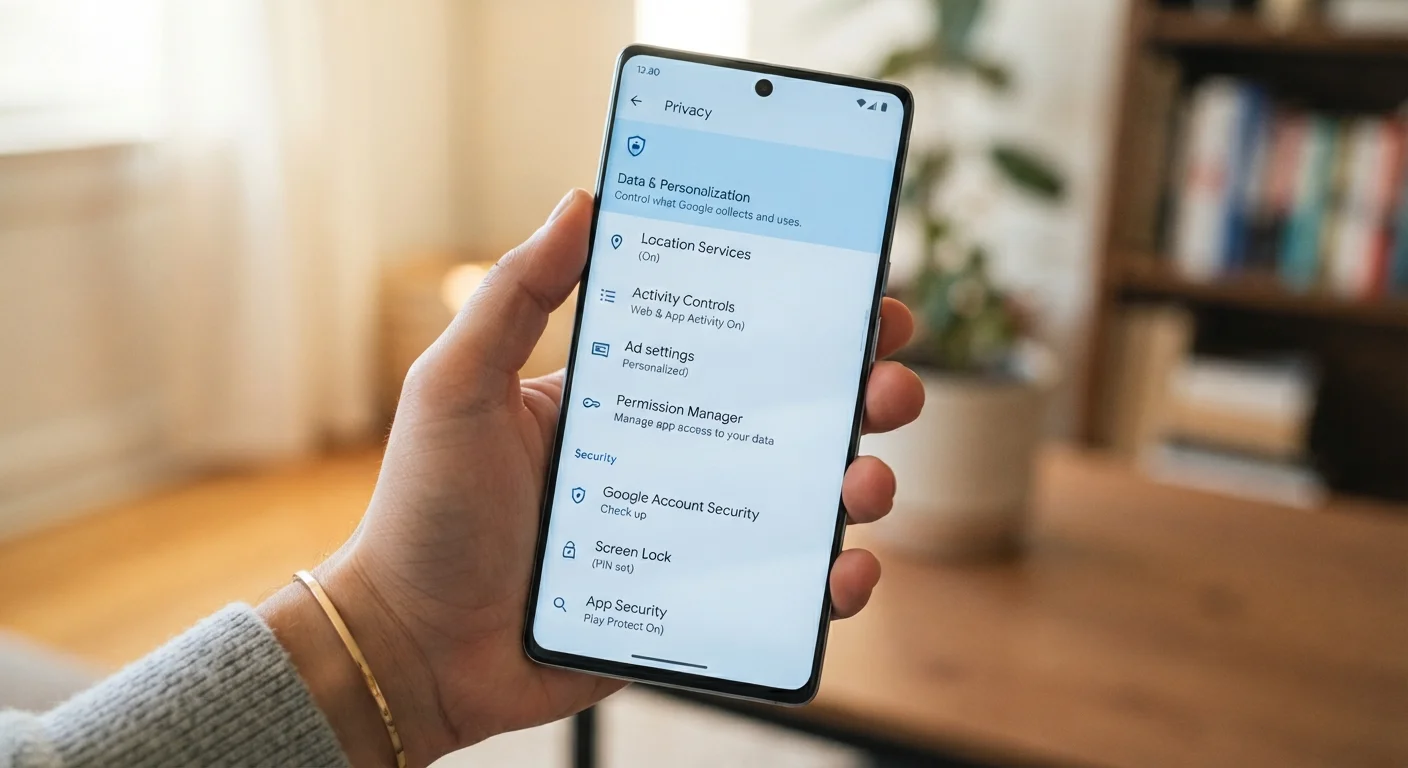
Central hub for app permissions, permission manager, and privacy dashboard showing recent app access.
iPhone Settings → Privacy & Security
Central hub for location services, tracking, app permissions, and safety check features on iOS.
Google Account Privacy Checkup
Reviews what data Google is storing, including location history, search activity, and ad personalization settings.
Apple Privacy Report (Safari)
Shows which trackers Safari has blocked across websites visited, useful for understanding cross-site tracking exposure.
Privacy Settings Checklist
Use the groups below to work through your phone's privacy settings one category at a time. Items marked must are high-impact changes worth prioritizing. Should items are strongly recommended. Nice-to-have items offer additional protection but are optional.
App Permissions
Location & Tracking
System-Level Data Sharing
Social & Account Privacy
Revoking Permissions May Affect Some App Features
Removing location or microphone access from an app will prevent features that rely on those inputs from working. For example, a ride-share app needs location to function; a retail app generally doesn't. Review each change in context rather than revoking everything at once. Most apps will prompt you to re-grant permissions if they need them.
If you're also thinking about account security and what happens if your phone is lost, the broader smartphone safety guide covers physical, digital, and data considerations together.
A Few Settings Worth Explaining
Precise vs. approximate location: Many apps request your exact GPS coordinates when a general area would serve the same purpose. Both Android and iOS now let you grant approximate location only — a neighborhood-level zone rather than your exact address. Weather, local search, and most delivery apps work fine with approximate location.
App tracking transparency (iPhone): On iOS, this setting — found under Privacy & Security → Tracking — controls whether apps can request permission to track your activity across other companies' apps and websites. Turning off "Allow Apps to Request to Track" means apps won't even be able to ask.
Diagnostic and usage data: Both platforms send device performance data back to the manufacturer by default. This is genuinely useful for improving software, but it's opt-in-by-default data sharing. If you'd rather not participate, it can be turned off without affecting how your phone functions.
Changing Settings Doesn't Delete Existing Data
Adjusting your phone's privacy settings limits future data collection — it does not automatically delete data that apps or platforms have already collected. If you want to remove stored data, you'll typically need to visit each service's account settings or submit a data deletion request separately. Check each app or service individually for data deletion options.
It's also worth dispelling a related misconception: adjusting privacy settings won't delete your existing data from app servers, and some settings only apply to future data collection. For more on assumptions people make about phone behavior, the smartphone myths article covers several that directly affect how people manage their devices.
The content on this site is for informational purposes only and is not a substitute for professional advice. Always consult a qualified professional for guidance specific to your situation.