

Our Verdict
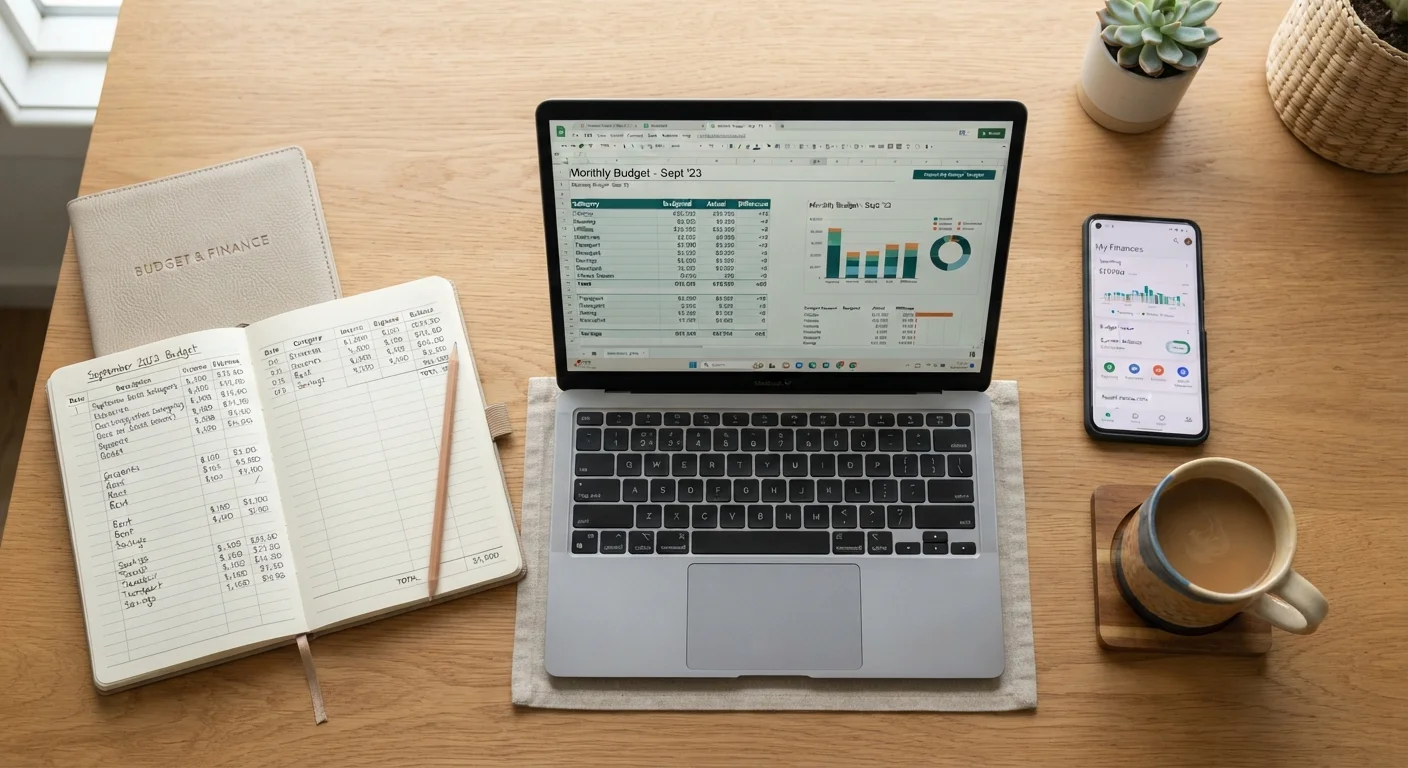
Paper ledgers, spreadsheets, and budgeting apps each deliver real results when used consistently — the differences lie in effort, flexibility, and privacy. Your ideal format depends on how hands-on you want to be, how comfortable you are with technology, and how much you value automation versus control.
| Best for | Recommended |
|---|---|
| Those who want deep awareness and no screens | Paper Ledger |
| Detail-oriented people who want full customization | Spreadsheet |
| Busy households wanting automation and at-a-glance reporting | Budgeting App |
| Anyone building their first budget from scratch | Spreadsheet or Budgeting App |
Why Your Tracking Format Shapes Your Budgeting Success
Choosing how you record your spending isn't just a logistical detail — it directly affects whether you'll actually stick with budgeting. The format determines how much friction stands between a purchase and its record, how easy it is to spot patterns, and whether reviewing your finances feels like a chore or a routine.
Before comparing methods, it's worth noting that the goal of any format is the same: give you an accurate, timely picture of where your money goes. If you haven't built a budget yet, see our step-by-step guide to your first personal budget before deciding on a tracking tool. And once you understand how fixed, variable, and discretionary expenses differ, each format's strengths become clearer.
Paper Ledger: The Case for Pen and Ink
A paper ledger — whether a dedicated budgeting notebook or a simple ruled journal — forces you to record every transaction by hand. That friction is actually the point. Research in cognitive psychology consistently suggests that writing information by hand improves retention and engagement compared to typed entry, which may help you internalize spending decisions more deeply.
Strengths:
- Zero cost and no technology dependency
- No risk of data breaches or third-party data sharing
- Tactile engagement may reinforce spending awareness
- Works anywhere, anytime — no battery or Wi-Fi needed
Limitations:
- Calculations are manual and error-prone without care
- Searching past records or spotting trends requires flipping pages
- Easy to fall behind during busy stretches
- No automated alerts or category summaries
Paper works best for people who want a mindful, low-distraction relationship with their money, or who prefer to keep financial data entirely off digital systems.
Start Small With Paper Tracking
If you're new to budgeting, consider using a paper ledger for just one month before switching to a digital format. Writing out every coffee, grocery run, and subscription payment builds an intuitive sense of your spending that apps can't replicate. This foundation makes any format you adopt afterward more effective.
Spreadsheet: Full Control, Full Responsibility
A spreadsheet — built in a tool like Google Sheets or Microsoft Excel — sits between paper and a purpose-built app. You enter transactions manually (or semi-manually), but formulas and charts do the heavy analytical lifting. This format rewards people who enjoy customizing their own systems.
Strengths:
- Highly customizable: build any category structure or view you want
- Automatic totals, running balances, and charts with basic formulas
- Data stays on your own account with no third-party bank access required
- Free options (Google Sheets) make it accessible without added cost
Limitations:
- Requires consistent manual entry — it's only as accurate as your discipline
- Setup takes time; beginners may find formula-building intimidating
- No automated transaction import from bank accounts (unless you build it)
- Errors in formulas can produce misleading totals
Spreadsheets pair especially well with a weekly money check-in, where a 15-minute session keeps your rows current and your totals reliable.
| Paper Ledger | Spreadsheet | Budgeting App | |
|---|---|---|---|
| Setup effort | Minimal — buy and write | Moderate — build template | Low — download and connect |
| Ongoing time cost | High — all manual | Moderate — manual entry, auto calc | Low — auto-import, some corrections |
| Customization | Fully manual, unlimited | High — build any structure | Limited to app design |
| Data privacy | Maximum — fully offline | High — your own account | Lower — third-party access |
| Trend analysis | Manual, slow | Good with formulas/charts | Automatic, visual dashboards |
| Typical cost | $5–$20 notebook | Free to low cost | Free tier or $3–$15/month |
| Best for | Mindful spenders | Detail-oriented planners | Busy, multi-account households |
Budgeting App: Automation With Trade-Offs
Dedicated budgeting apps can connect directly to bank and credit card accounts, pulling transactions in automatically and categorizing them. For busy households juggling multiple accounts, this automation removes the most common reason people abandon manual tracking: forgetting to log purchases.
Strengths:
- Automatic transaction import saves significant time
- Visual dashboards make spending trends immediately visible
- Alerts and goal-tracking features support consistent habits
- Many apps offer free tiers with meaningful functionality
Limitations:
- Requires sharing bank credentials or read-only account access with a third party
- Auto-categorization is frequently inaccurate and needs manual corrections
- Free tiers often carry limitations — see our overview of what you typically gain and give up between free and paid app tiers
- Subscription costs for premium tiers add up over time
If privacy is a concern, know that most reputable apps use read-only access and bank-level encryption — but you should still review each app's data-sharing and privacy policy before connecting accounts. This is general information, not a recommendation of any specific product.
Review App Permissions Before Connecting Accounts
Before linking a bank account to any budgeting app, read the app's privacy policy to understand how your transaction data may be used, stored, or shared. Look specifically for whether the app sells anonymized data to third parties. Even read-only access means a third party can see your financial activity, so make sure you're comfortable with that arrangement before proceeding.
Choosing — and Sticking With — Your Format
The format you'll use consistently beats the format that's theoretically optimal. A few questions can help clarify the right fit:
- How much time can you commit weekly? Paper and spreadsheets need regular manual entry; apps reduce that burden but don't eliminate it entirely.
- Do you value privacy over convenience? Paper and spreadsheets keep data entirely in your control; apps involve third-party data sharing.
- Are you building awareness or managing complexity? Paper builds mindfulness; apps manage multiple accounts efficiently; spreadsheets do both depending on setup.
Many people find a hybrid approach works: an app for daily transaction capture, paired with a monthly spreadsheet review for deeper analysis. Others commit to paper during a reset period — such as when starting a new budget — then graduate to a digital tool once categories and habits are established.
For maintaining momentum after you pick a format, the habits that make expense tracking sustainable matter as much as the tool itself. And if you're planning for irregular costs like car repairs or annual fees alongside your chosen format, a sinking fund strategy can keep those surprises from derailing your monthly plan.
This article is for general informational and educational purposes only and does not constitute personalized financial advice. Consult a qualified financial professional for guidance specific to your situation.
The content on this site is for informational purposes only and is not a substitute for professional advice. Always consult a qualified professional for guidance specific to your situation.