

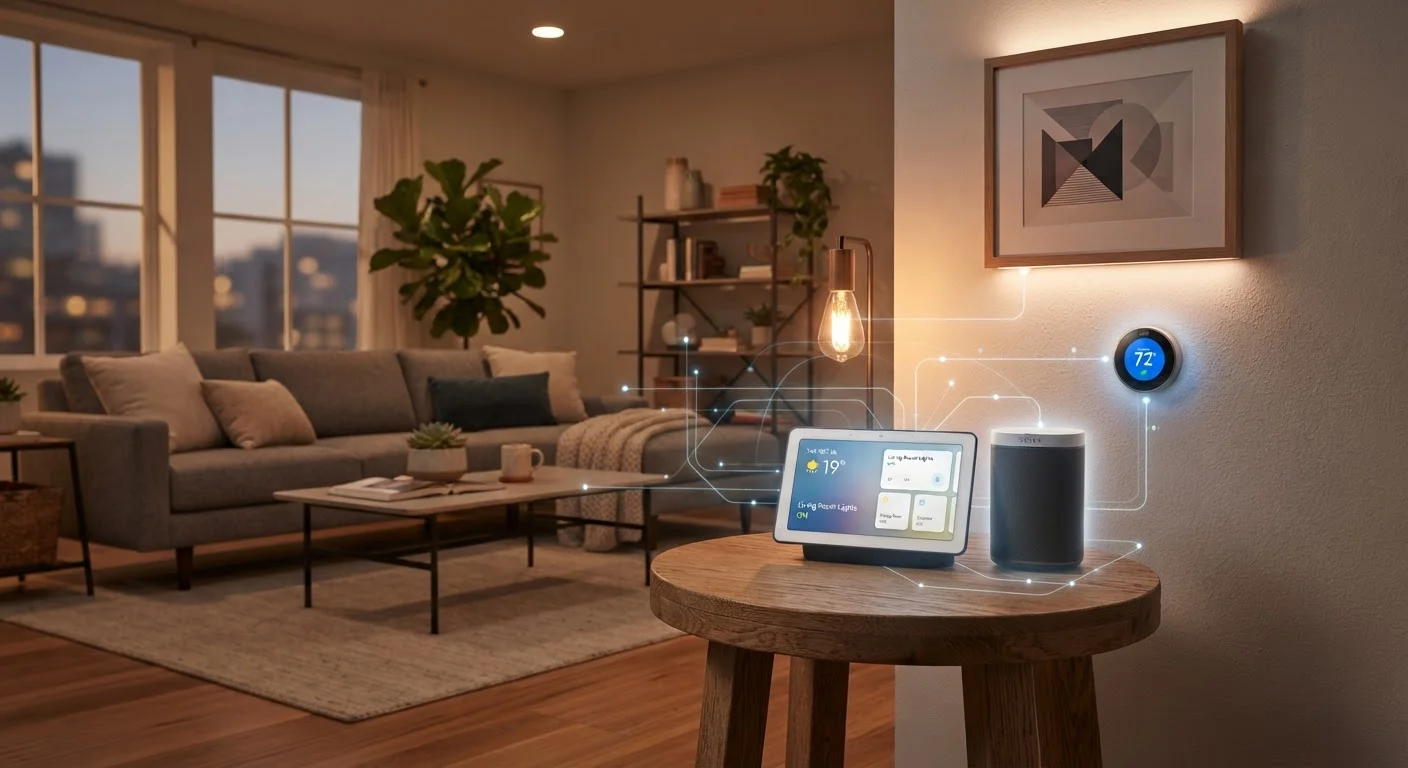
How Smart Devices Actually Communicate
Every smart home device needs a way to send and receive information—and that's where wireless protocols come in. A protocol is simply a set of rules that devices follow to exchange data. The protocol a device uses determines what it can talk to, how far its signal reaches, and how much power it consumes.
The most common protocols you'll encounter in US homes include:
- Wi-Fi: The same network your phone uses. Easy to set up, but higher power draw makes it less ideal for battery-powered sensors.
- Zigbee: A low-power mesh protocol popular in smart bulbs and sensors. Devices relay signals to one another, extending range across a home.
- Z-Wave: Similar to Zigbee in concept but operates on a different radio frequency, reducing interference. Common in security devices and smart locks.
- Bluetooth & Bluetooth Mesh: Short-range communication suited to personal devices and some smart lighting systems.
- Thread: A newer mesh networking protocol designed for low-power devices, and a key building block of the Matter standard.
For a plain-language breakdown of the networking terms you'll encounter, see our Home Network Glossary.
Mesh Protocols Extend Range Automatically
Unlike Wi-Fi, which relies on your router's signal strength, Zigbee and Z-Wave devices form a mesh network where each device can relay signals from others. This means adding more devices generally improves coverage rather than straining a single access point. Battery-powered devices like door sensors typically don't participate in the mesh to preserve battery life.
The Role of Platforms and Hubs
Protocols handle the radio signals, but platforms handle the logic—the rules, automations, and voice commands that make your home feel truly smart. Major voice-assistant ecosystems each have their own hub ecosystem that pulls devices together under a single app or interface.
A hub acts as a translator and traffic controller. It receives signals from your Zigbee sensors, your Z-Wave locks, and your Wi-Fi cameras, then coordinates their behavior based on rules you set. Without a hub, devices from different protocols can't communicate with each other at all.
Some smart speakers double as hubs, supporting multiple protocols and acting as the central brain of a home setup. As you expand beyond a handful of devices, having a capable hub becomes increasingly important for reliable automations.
Start With a Hub That Supports Multiple Protocols
If you're building a system with more than a few devices, choosing a hub that supports Zigbee, Z-Wave, and Matter from the start gives you the most flexibility to add devices from different brands later. Many smart speakers now include Thread and Matter support, making them practical starting points for new setups.
Matter: The Standard Changing Everything
For years, smart home shoppers faced a frustrating reality: a light bulb designed for one ecosystem might not work with another platform's app or hub. Matter, an open connectivity standard finalized in late 2022 and backed by major technology companies, is designed to fix that.
Matter devices communicate over your local network—meaning they can work even if the manufacturer's cloud servers go down. A Matter-certified device should, in principle, work with any Matter-compatible hub regardless of brand. Thread-based Matter devices form a self-healing mesh network, while Matter-over-Wi-Fi devices connect directly.
600M+
Matter-certified devices projected by 2030
Industry analysts and the Connectivity Standards Alliance have projected rapid Matter adoption as major platforms commit to the standard.
3+
Protocols in a typical US smart home
Consumer research consistently shows that homes with multiple device categories commonly end up using more than one wireless protocol simultaneously.
Matter doesn't eliminate all compatibility questions, but it significantly reduces them. When shopping for new devices, checking for Matter certification is a practical step toward a more flexible setup.
Choosing and Building Your Ecosystem
The ecosystem decision is less about finding the "right" brand and more about understanding your priorities. Consider these factors:
- Voice assistant preference: If your household already uses a particular voice assistant, starting with compatible devices simplifies setup considerably.
- Device types you need: Security cameras, door locks, and smoke detectors often have stricter protocol requirements. Check compatibility before purchasing.
- Expansion plans: If you intend to add multi-room audio or a robust security system later, choose a platform that supports those categories well. See how multi-room audio fits into a connected home for context.
- Privacy and data handling: Local-processing ecosystems keep more data on your home network rather than sending it to cloud servers.
If you're just getting started, our beginner's guide to home automation walks through the first practical steps. And once devices are live, keeping them secure is an ongoing responsibility worth taking seriously.
Frequently Asked Questions
No. Many smart home devices use Zigbee or Z-Wave, which are low-power wireless protocols that don't connect directly to Wi-Fi. These devices typically communicate through a hub that bridges them to your home network. Wi-Fi devices connect directly but may consume more power.
Matter is an industry-wide open standard backed by major tech companies that allows smart home devices from different brands to work together locally—without requiring a cloud connection. If a device is Matter-certified, it should work with any Matter-compatible hub or voice assistant, giving you more flexibility and reducing vendor lock-in.
Sometimes, yes. Matter-certified devices are designed to work across ecosystems. Without Matter, mixing ecosystems often requires third-party automation platforms or separate apps, which can add complexity. Planning around one primary platform from the start tends to produce the smoothest experience.
It depends on your devices. Wi-Fi-based devices connect directly to your router and often work through a manufacturer's app. Zigbee and Z-Wave devices require a hub. Smart speakers from major platforms can also act as hubs for Matter and some other protocols, consolidating control in one place.
Connected devices do introduce security considerations, including default passwords, outdated firmware, and data privacy. Keeping device firmware updated, using strong network passwords, and placing IoT devices on a separate network segment are all commonly recommended practices. See our guidance on keeping smart home devices secure after setup.
The content on this site is for informational purposes only and is not a substitute for professional advice. Always consult a qualified professional for guidance specific to your situation.