

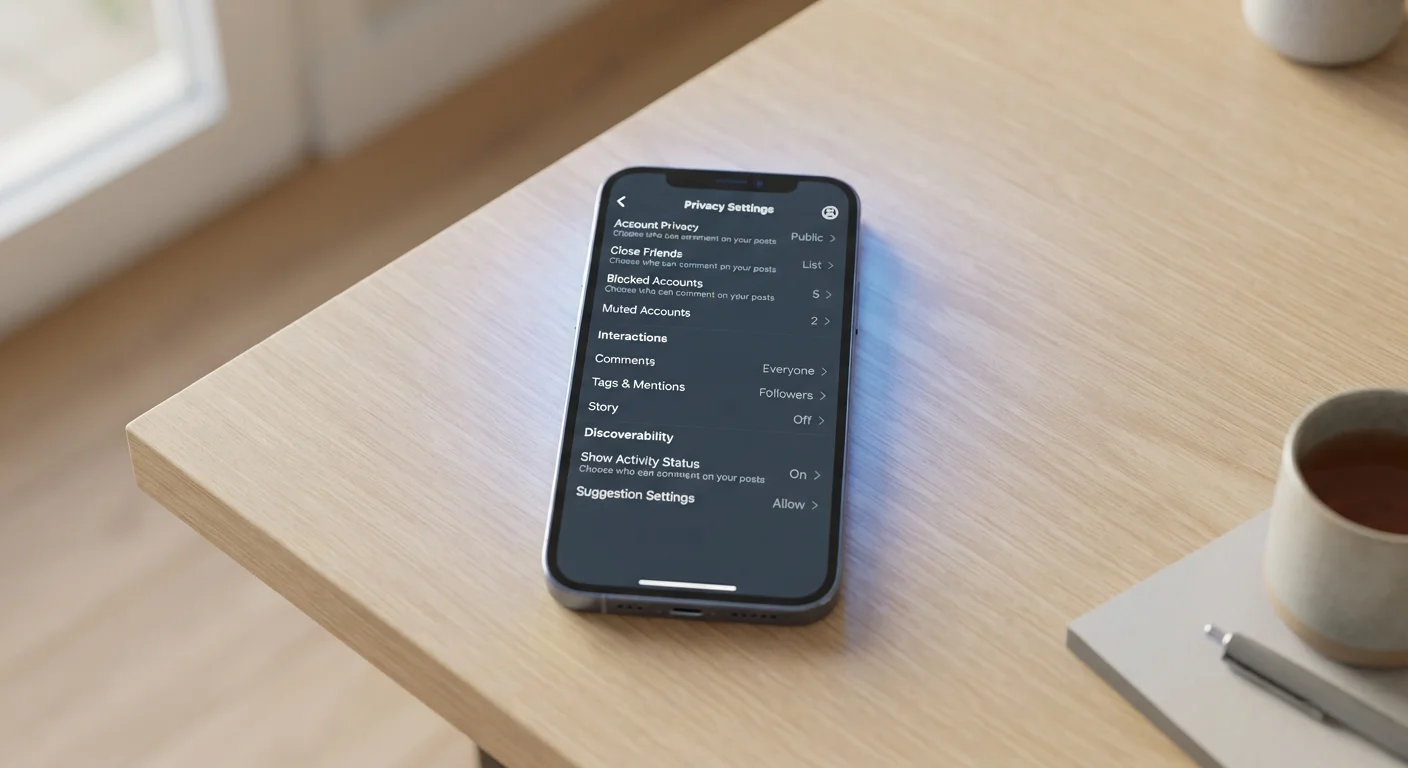
What Social Media Privacy Settings Actually Control
Privacy settings on social platforms are a real and useful tool — but their scope is narrower than most people realize. At their core, these settings govern audience visibility: who can see your posts, who can search for your profile, who can send you messages, and what appears on your public page.
What they generally do not control is the data the platform itself collects from you. Every scroll, pause, tap, and search generates behavioral data that platforms log and use for their own purposes — including advertising targeting and product development. Changing your profile from public to private has no effect on this internal data collection.
Privacy Settings vs. Data Collection Are Different
Privacy settings primarily govern visibility — who can see your posts, profile, or contact details. They do not prevent the platform itself from logging your activity, location data, device information, or behavioral patterns. Even a fully locked-down profile generates data that platforms retain and use internally. Understanding this distinction is the starting point for realistic privacy management.
This matters practically. Someone with a fully private account is still contributing data to the platform's advertising ecosystem through their activity. For a broader picture of how everyday digital behavior exposes personal information, see our article on personal information you're sharing without realizing it.
The Gap Between Settings and Reality
Several common misunderstandings cause users to overestimate the protection their privacy settings provide:
- Friends-only posts aren't truly private. Anyone your friends share your content with — or screenshot — can distribute it further. Platforms also retain copies of deleted posts for varying periods defined in their terms of service.
- Connected apps operate on their own terms. When you use a third-party app that requires social login, that app may access your profile data, friend list, and activity — often with permissions that exceed what your profile settings restrict.
- Metadata travels with your content. Photos uploaded to social platforms often carry metadata (such as device model or original capture timestamp) that may be accessible even when image content is restricted.
This is consistent with findings in the broader privacy research space — and it's why privacy settings should be treated as one layer of a broader approach, not a complete solution. Our companion piece on online privacy myths and reality covers several related misconceptions in depth.
“The biggest misconception about privacy settings is that they make you private from the platform. They don't. They make you private from other users. The platform still sees everything.”
— Bruce Schneier, Security technologist and author of 'Data and Goliath'
Best Practices for Using Privacy Settings Effectively
Used correctly, privacy settings meaningfully reduce your public exposure and limit who can contact or find you. The following practices reflect realistic, evidence-informed approaches to getting the most from the controls platforms do provide.
Beyond individual settings, the devices you use matter too. Social apps running on a smartphone with permissive system-level permissions can collect location, microphone access, and contacts data even when your social profile is locked down. Reviewing those device-level permissions is a related but equally important step — our article on your phone's privacy settings explains what to look for.
91%
Users who don't read privacy policies
According to research published in the journal Cyberpsychology, Behavior, and Social Networking, the vast majority of users accept terms without reviewing how their data will be used.
3rd-party
Apps often retain data access after deletion
Platform policy documentation from major social networks confirms that revoking app access does not automatically delete data those apps already collected.
Start With These Quick Actions
Getting your social media privacy in better shape doesn't require hours of work. A targeted review of the highest-impact settings — done today — covers most of the practical ground.
Set a Recurring Privacy Checkup Reminder
Most major platforms now offer a guided privacy checkup tool in their settings menus. Setting a calendar reminder to run through it every few months — especially after major platform updates — ensures your settings reflect your current preferences and any new options the platform has introduced.
For a more complete view of your overall digital footprint — including how browsers, apps, and connected devices contribute to your data profile — the resource Online Safety From Every Angle provides a structured overview across privacy, security, and scam awareness.
This article is for general informational purposes only. Privacy settings, platform policies, and data practices vary by service and change over time. Readers should review the specific terms and privacy documentation of each platform they use.
The content on this site is for informational purposes only and is not a substitute for professional advice. Always consult a qualified professional for guidance specific to your situation.