

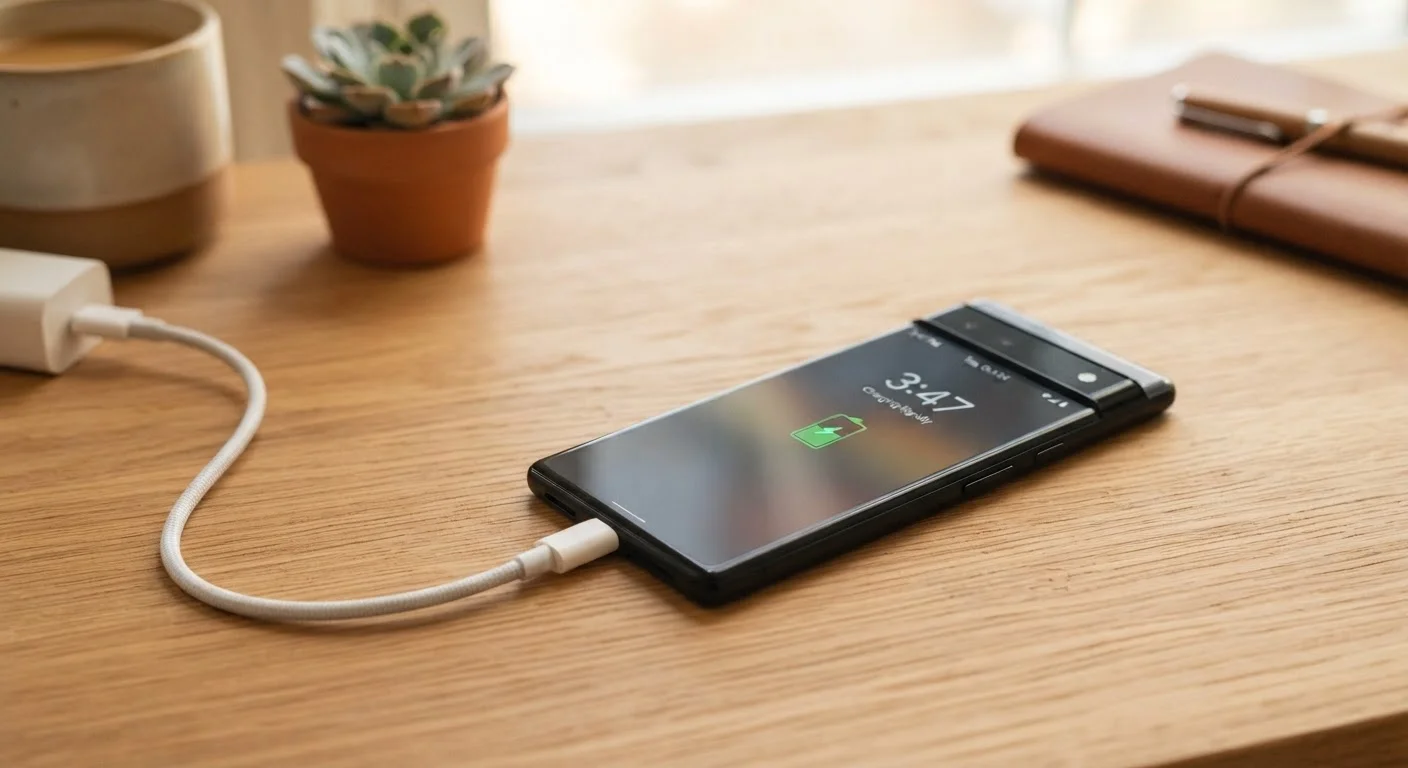
The Chemistry Behind the Countdown
Your phone battery isn't a tank that simply holds electricity — it's a chemical system that generates power through electrochemical reactions. In lithium-ion batteries, charged lithium ions move between two electrodes (the anode and cathode) through a liquid electrolyte. Every charge and discharge cycle causes microscopic physical changes to those electrodes, and over hundreds of cycles, those changes accumulate.
The result is a gradual reduction in the number of lithium ions that can actively participate in the reaction — which means less stored energy, and a battery that runs out faster. This process is irreversible, which is why no app or setting can "restore" a degraded battery to its original capacity.
Just like consistent maintenance habits extend a car's life, how you treat your battery day-to-day determines how quickly this chemistry deteriorates.
~500
Charge cycles before notable capacity loss
Lithium-ion batteries in most smartphones are generally rated to retain around 80% capacity after approximately 500 full charge cycles, according to widely published battery manufacturer specifications.
80%
Capacity threshold Apple flags as degraded
Apple's official documentation states that a battery is considered significantly degraded when it falls below 80% of its original capacity, at which point replacement is commonly recommended.
20–80%
Recommended daily charge range for longevity
Battery researchers and device manufacturers broadly suggest keeping lithium-ion batteries within this range during routine use to minimize voltage-related stress on the cells.
What Actually Speeds Up Degradation
Not all batteries age at the same rate. Several specific conditions push the degradation process faster than normal use alone would account for:
- Heat: This is the most damaging factor. Elevated temperatures accelerate the breakdown of the electrolyte and cause structural changes in the electrodes. Leaving your phone in a hot car, using it while it charges intensively, or covering it with a thick case during charging can all raise internal temperatures meaningfully.
- Voltage extremes: Lithium-ion batteries experience stress when held at very high charge levels (near 100%) or discharged to very low levels (near 0%). Both states increase the rate of chemical degradation inside the cell.
- Frequent fast charging: Fast charging delivers high current quickly, which generates more heat than standard charging. Used occasionally it's unlikely to cause significant harm, but it's worth knowing that slower charging is generally gentler on battery chemistry.
For related reading on daily habits that compound into bigger problems, see the phone habits that quietly drain your battery by noon.
Keep Your Phone Cool While Charging
If your phone feels noticeably warm while charging, try removing its case and placing it on a hard, flat surface rather than a fabric surface like a bed or couch. Fabric traps heat, while hard surfaces allow better airflow. This simple habit can reduce thermal stress over the lifetime of your battery.
Practical Habits That Slow the Process
You can't stop battery degradation, but you can meaningfully slow it down with a few consistent habits:
- Charge in the middle range. Aim to keep your battery between roughly 20% and 80% during normal daily use. You don't need to be rigid about this, but avoiding routine full charges and frequent deep discharges reduces voltage stress over time.
- Avoid heat during charging. Remove thick cases when charging, don't leave your phone in direct sunlight or a hot vehicle, and try not to run processor-intensive apps (like games or navigation) while plugged in.
- Use optimized charging features. Both iOS and Android offer settings that learn your overnight charging routine and pause charging at 80% until shortly before you typically wake up. These features are worth enabling.
- Prefer standard charging when time allows. Reserve fast charging for when you genuinely need it rather than using it as a default every time.
It's also worth separating fact from fiction — common smartphone myths around battery care are surprisingly persistent and can lead to counterproductive habits.
Using Your Phone's Built-In Battery Tools
Manufacturers have made it significantly easier to track battery health without third-party apps. On iPhone, Settings > Battery > Battery Health & Charging shows your current maximum capacity as a percentage of the original design capacity. A reading above 80% is generally considered good; below that threshold, Apple considers the battery "significantly degraded."
Android's battery health reporting varies more by manufacturer, but most major brands now surface some form of health data in the battery settings menu. Some devices also include charging limits you can set manually — for example, capping charging at 85% — to reduce long-term voltage stress.
Understanding what's on your phone is part of being a more informed user. If you're curious about other technical specs that affect daily performance, our guide on what smartphone storage actually means is a useful companion read.
Frequently Asked Questions
Most lithium-ion smartphone batteries are designed to retain around 80% of their original capacity after 500 full charge cycles. For many users, that translates to roughly two to three years of regular use before capacity loss becomes noticeably inconvenient.
Modern smartphones are designed to stop drawing power once fully charged, so overnight charging is generally safe. However, keeping the battery at 100% for extended periods does create mild long-term voltage stress. Many phones now offer 'optimized charging' modes that pause at 80% and finish just before you typically wake up.
Regularly draining your battery to 0% — called a deep discharge — puts additional stress on lithium-ion cells and can accelerate capacity loss over time. Plugging in before hitting 20% is a generally recommended habit.
Fast charging is convenient but generates more heat than standard charging, which can incrementally accelerate degradation. Using fast charging occasionally is unlikely to cause dramatic harm, but relying on it exclusively for every charge may shorten battery longevity compared to slower charging.
Yes. Most manufacturers and authorized repair services offer battery replacement options, and independent repair shops often do as well. Replacing the battery is typically far less expensive than buying a new device and can restore close to original performance.
On iPhone, go to Settings > Battery > Battery Health & Charging to see your current maximum capacity. On Android, the path varies by manufacturer, but many devices show battery health in Settings > Battery, or you can use built-in diagnostic tools provided by the device maker.
The content on this site is for informational purposes only and is not a substitute for professional advice. Always consult a qualified professional for guidance specific to your situation.